
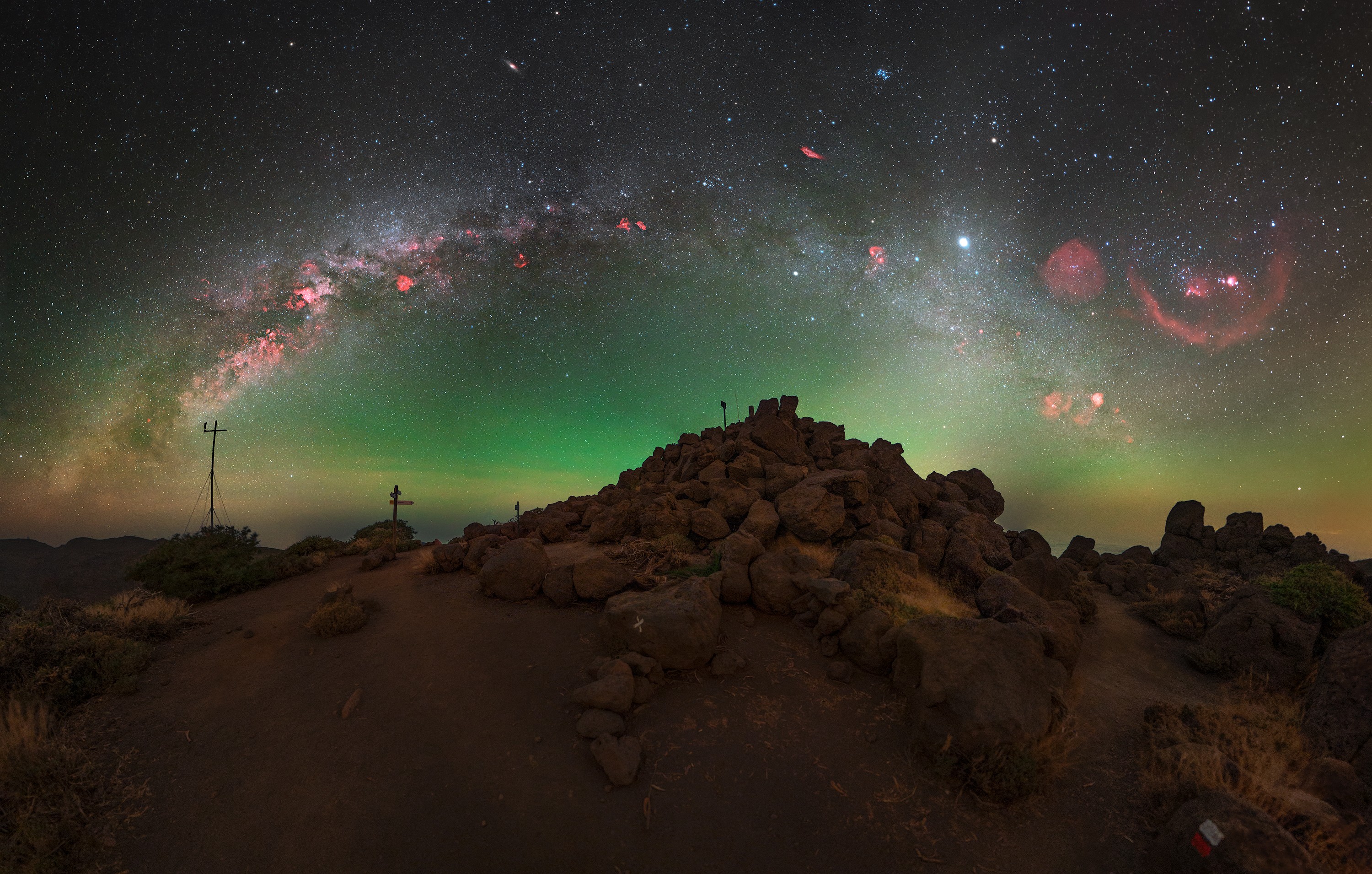
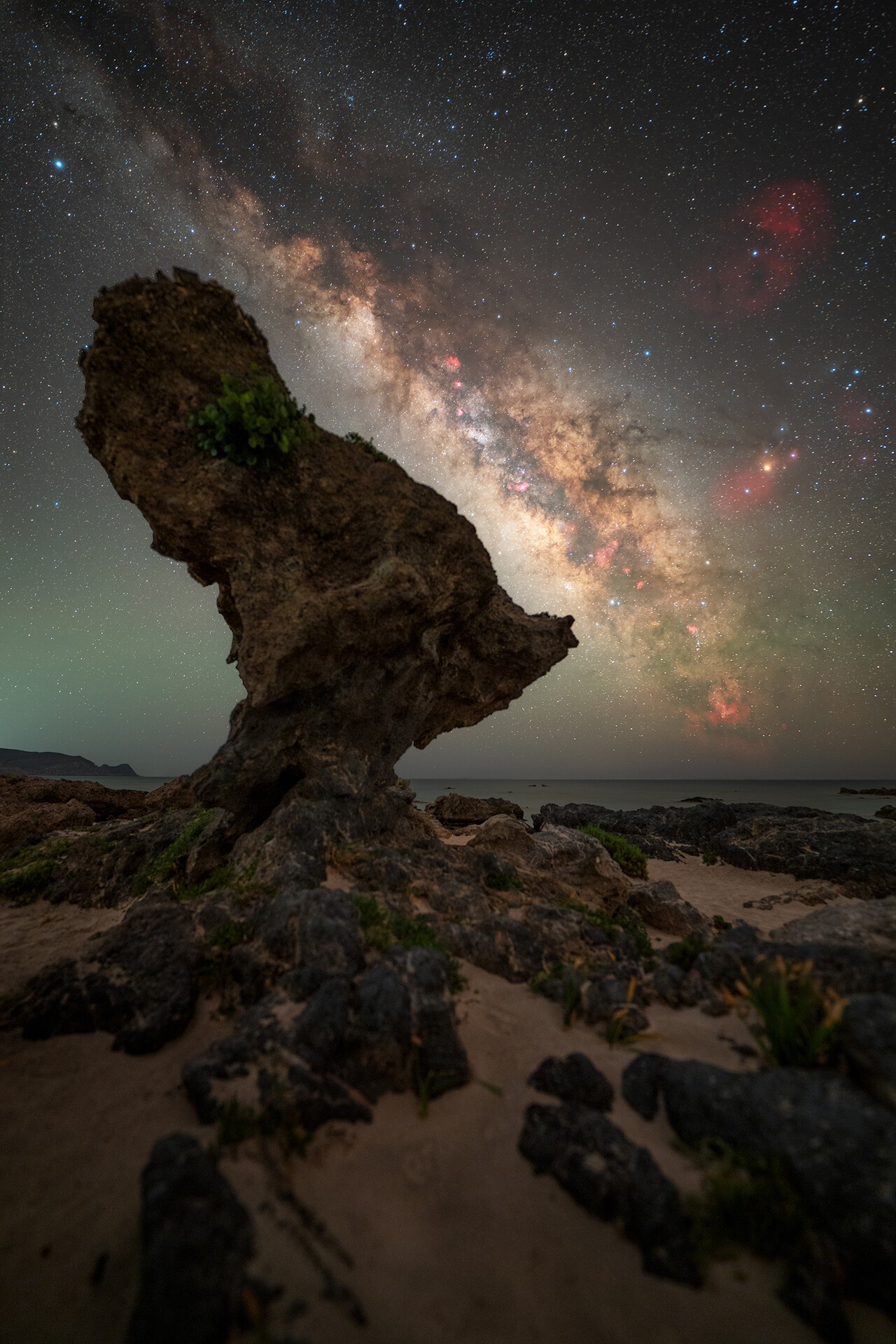
About this webinar
This one is for people who already shoot the night sky and are comfortable with basic edits. We cover advanced processing in Photoshop, stitching panoramas in PTGui, and blending H-alpha data into your images.
What we cover
Photoshop
A full editing workflow, start to finish
Noise reduction and bringing back detail
Reducing and controlling stars
Masks and selective adjustments
Colour correction and contrast
Blending foreground and sky so the result still looks natural
Panoramas in PTGui
Planning and shooting the frames
Stitching multi-row night-sky panoramas
Getting clean, high-resolution Milky Way panoramas
Tips for wide-field compositions
H-alpha blending
When H-alpha data is worth using, and why
Blending Ha with RGB in Photoshop
Bringing out nebula structure
Keeping colours realistic
Common mistakes and how to avoid them
If you're new to editing, start with Basic Editing first.
Duration
4 Hours
Level
Advanced